
Wandrz works with what you already have
Wandrz connects to your ticketing or till system, your payment account, your website and your signs. No IT project needed.
All integrations at a glance
Almost everything is included in every plan. Only access from your own ticketing or till system is part of Pro.
| Integration | What it does | Basis | Pro |
|---|---|---|---|
| Ticketing or till system | Your own system can grant access to the tour, including for a combined ticket. | Not included | Included |
| The daily code at your front desk | The code for the day arrives by itself in your inbox, on your till screen or in your own system. | Included | Included |
| Selling online through Mollie | Visitors pay through your own Mollie account. | Included | Included |
| Your own web address | The tour on an address like tour.yourmuseum.com. | Included | Included |
| QR codes and NFC tags | Every stop has its own link, for a QR code or an NFC tag. | Included | Included |
Your ticketing or till system can grant access
Already selling tickets through a till, a web shop or ticketing software? Then with every sale, that system requests a code for the tour and adds it to the ticket.
This also lets you sell a combined ticket: museum and audio tour in one go, at the front desk or online. Your visitors don’t have to buy anything separately. This integration is part of Pro.
- A unique code for every ticket, including for groups and large numbers
- Valid on the day of the visit, or for a period you choose
- If your system repeats a request, no duplicate codes are created
- Each system gets its own key, which you can have revoked immediately
The daily code arrives at your front desk by itself
If you work with a daily code, all visitors that day get the same code. It’s ready every morning, without anyone having to look it up.
By email
Every morning, the new code is in the inbox of the colleagues you choose.
To your own system
Wandrz sends every new code, signed, to an address you specify, so your system knows it really comes from us.
Fetched with a key
Your till system or front-desk screen fetches today’s code itself, with a key that can only read the daily code.
Sell online through your own Mollie account
Visitors simply buy the tour in their browser and the revenue goes straight to you.
You connect your Mollie account once, or we do it for you. Wandrz keeps a share of every tour sold.
- Try out ticket sales with test payments first
- A purchased tour can’t be passed on to friends
- An overview of your sales every month
The tour on your own web address
Your tour lives on an address like tour.yourmuseum.com, with a certificate and without an IT project.
One line is added to your domain’s settings. The dashboard shows you which line that is and when everything is ready. If it doesn’t work out, we’ll help you.
An old address stays reserved, so an old QR code never ends up somewhere else. And on your own website, you can link to the tour or add the QR code.
QR codes, numbers and NFC tags
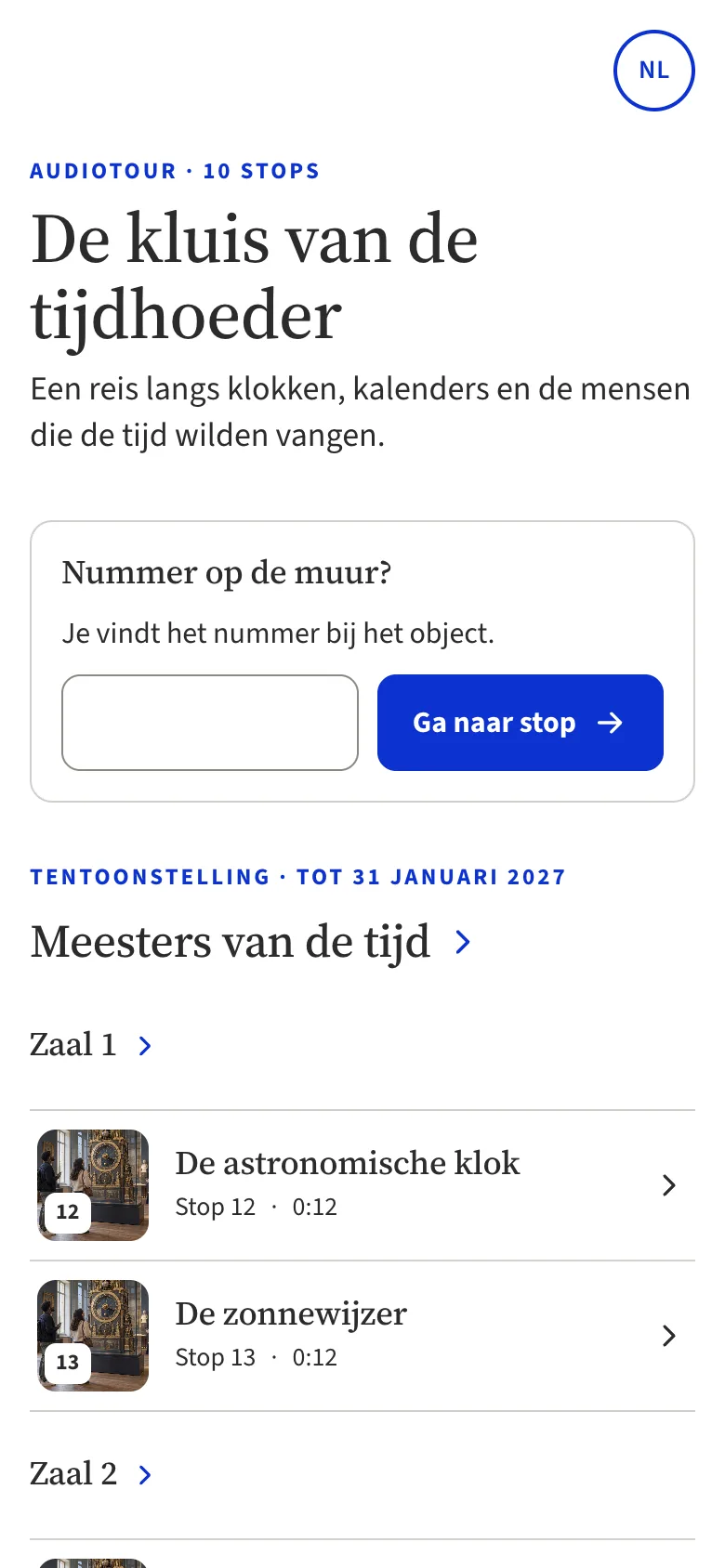
Every stop has its own link. You put it in a QR code by the object, on your signs or in your leaflet, or on an NFC tag.
Visitors can also type in the number on the sign. You get the QR codes for all stops as print-ready sheets, with a card for the front desk.

For developers and suppliers
Building the integration for a museum, as a supplier of a ticketing or till system, as an integrator or as an IT department? Then we’ll send you the technical documentation.
- Every integration described, with examples, error codes and limits
- A separate key for each system, only over a secure connection
- We’ll help you work out how to connect your system
Questions about integrations
Can’t find your question? Get in touch
Does Wandrz work with our till system?
Any ticketing or till system that can send a request over the internet can request access codes for the tour. Your supplier often already has a way to connect for this. Tell us which system you use and we’ll coordinate it with your supplier.
Do we need Pro for the daily code?
No. The daily code is included in every plan, whether you get it by email, have it sent to your own system or fetch it with a key. Only codes per ticket from your own ticketing or till system are part of Pro.
Who connects our Mollie account?
You do it once yourself in the dashboard, or we do it for you. The revenue goes straight into your own Mollie account.
Does our IT department have to do a lot for our own web address?
No. They add one line to your domain’s settings. The dashboard shows which line that is and when everything is ready. If it doesn’t work out, we’ll help you.
Where can I find the API documentation?
We send it to you on request. Get in touch and tell us briefly what you want to connect.
Security and privacy taken care of
All about privacy and security-
Hosted in the Netherlands
Your data is stored on servers in the Netherlands. Audio and images are stored in the EU.
-
A secure account
Two-step verification, roles and an activity log for your team.
-
No tracking
The tour doesn’t follow visitors and doesn’t build profiles.
-
Accessible
Tested for accessibility against WCAG 2.2 AA.
Connecting Wandrz to your systems?
Tell us which ticketing or till system you use. Then we’ll look at it with you or send you the documentation.