
On this page
An automatic audio tour uses software to turn your written text into spoken audio. With self-recorded fragments, a person records each text. Which approach suits you best depends on four questions: how should the voice sound, how often does your text change, in how many languages does your tour run, and are there moments when only a real voice will do? Many tours end up using a combination of both.
Is your script already done? Then the voice is the next choice.
What is the difference between an automatic audio tour and recorded fragments?
With text-to-speech, you write the text and an AI voice turns it into audio. If you want to change a sentence later, you edit the text and generate the fragment again. The text stays the source.
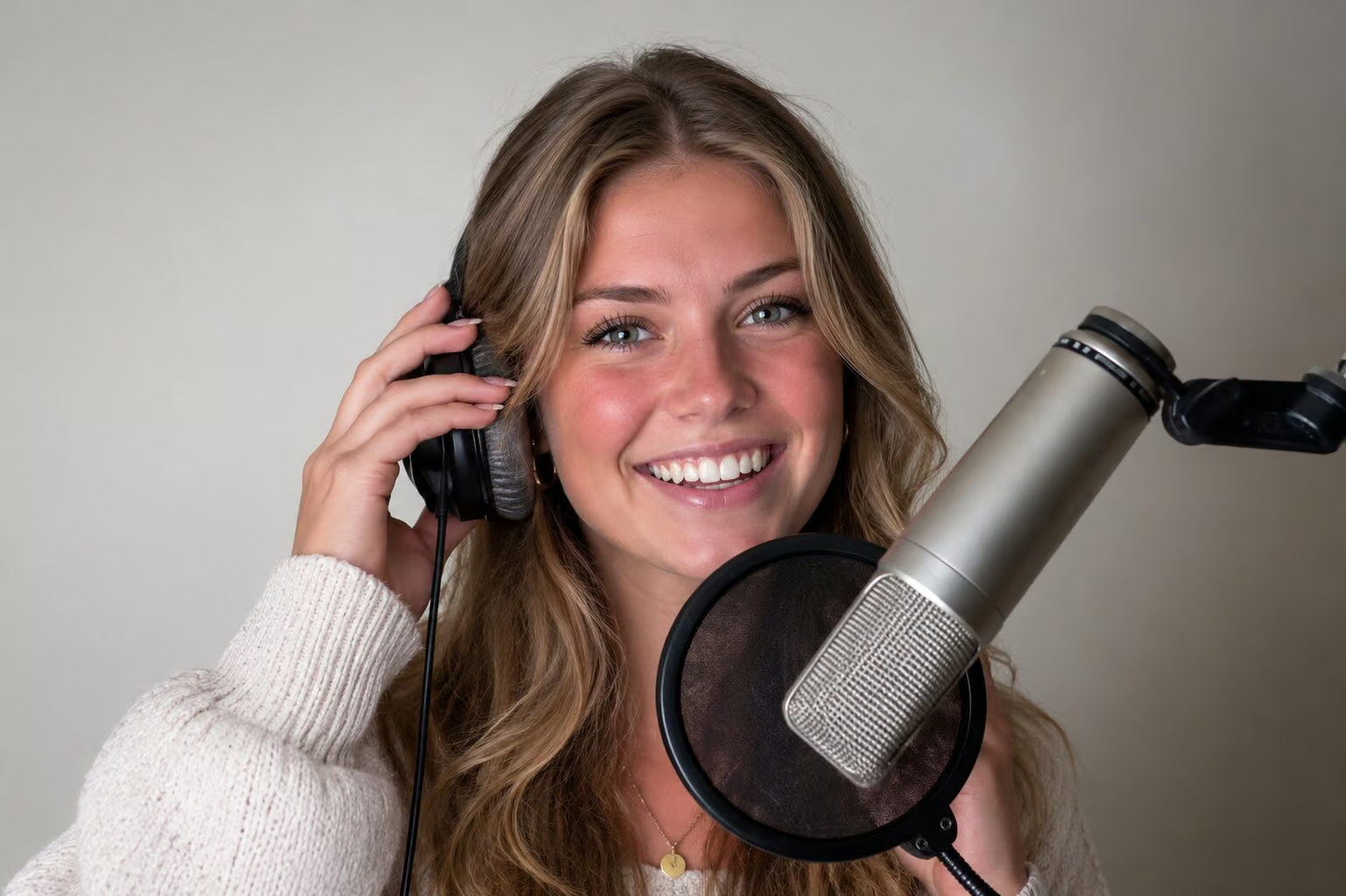
With a recorded fragment, a voice actor, a guide or a staff member speaks the text, usually in a studio or a quiet room. After that, the sound file is fixed. Every change to the text calls for a new recording.
In Wandrz, text-to-speech is built into the platform itself. Your text is converted with natural AI voices, in any language you choose for your tour, directly in the browser.
How does an AI voice sound next to a human voice?
A human voice can do something software struggles to imitate. Think of a curator explaining why a painting has held her attention for years, a guide with a joke he has made a hundred times, or a former factory employee describing his own workplace. There, the voice carries part of the story. Who is speaking matters as much as what is said.
An AI voice sounds clear and even. Every fragment has the same pace, the same volume and the same tone, with no background noise and no recording that sounds slightly different because it was made on another day. In a tour with many short object texts or route directions, that works well: the visitor listens to the content and barely notices the voice.
With an automatic audio tour, always listen back to every fragment once. Proper names, place names, years and dialect words are the spots where a pronunciation can go off. If something doesn’t sound right, adjust the text and have the fragment generated again.
What happens when your text changes?
Texts in a tour change more often than you expect at the start. An object goes on loan to another museum, a walking route is diverted because of roadworks, a visitor points out a wrong year, or after a few months you want to shorten a fragment because people drop off halfway.
With text-to-speech, you adjust the sentence, generate the fragment again and the new version is live. You don’t have to schedule anyone.
With recorded fragments, you schedule a new recording. For that you need the same speaker, otherwise the visitor hears a different voice halfway through the tour. If that speaker is no longer available, you sometimes re-record a whole series of fragments to make the tour sound consistent.
Do you expect your text to change regularly, for example with rotating exhibitions or seasonal routes in a nature reserve? Then this point weighs heavily.
Multiple languages: where the difference is greatest
With one language, the difference in work is still manageable. With a multilingual tour, you multiply everything. For recorded fragments, you need a native speaker for each language, and every text change has to be re-recorded in all those languages. A correction of one year becomes a recording session per language.
With an automatic audio tour, you translate the text and convert the translation into audio with an AI voice in that language. In Wandrz, translating happens automatically and you can adjust every translation yourself. Have a native speaker proofread the most important languages before you go live. A translation that is correct in content but reads stiffly will also sound stiff when spoken aloud.
Multiple languages make your tour accessible to more people. For visitors who speak another language, for people with low literacy and for people with a visual impairment, spoken explanation in their own language is often the difference between taking part and being left out. The lower the barrier to adding a language, the sooner you reach those groups.
When do you combine both?
A combination works well when your tour has a few moments where a real voice adds something, and many fragments where the content does the work. Examples of such a split:
-
a welcome from the director or the founder, recorded, and the object texts automatic;
-
an interview with an eyewitness or a former employee as a recording, with the explanation around it as text-to-speech;
-
the Dutch tour recorded by your own guide, and the other languages automatically translated and converted.
With a combination, pay attention to the transition. A visitor who goes from an AI voice to a recording with a different sound needs to understand why. Briefly announce a recorded fragment in the fragment before it, for example with the name of who is about to speak. Preferably keep the recorded parts short and choose content that rarely changes, such as a personal story or a historical interview.
How to choose the voice for your tour
Run through these questions before you start recording or converting:
-
How often do you expect the text to change in the first year?
-
In how many languages do you want to offer the tour, now and later?
-
Are there fragments where the speaker is part of the story?
-
Is there budget and time to record again with every change?
-
Do you have a speaker who will still be available in a year?
Many answers pointing to changes and multiple languages make an automatic audio tour the logical basis. A few fragments where a person carries the story are a reason to record those parts separately. Want to hear how your own texts sound with the AI voices of Wandrz? Request a trial tour.